
How to spot online scams: warning signs, common frauds and how to protect yourself
Recognize phishing, fake shops and spoofed calls, verify requests independently, secure your accounts and respond after suspected fraud.
By TopicWeekPublished 11 min read
In this article
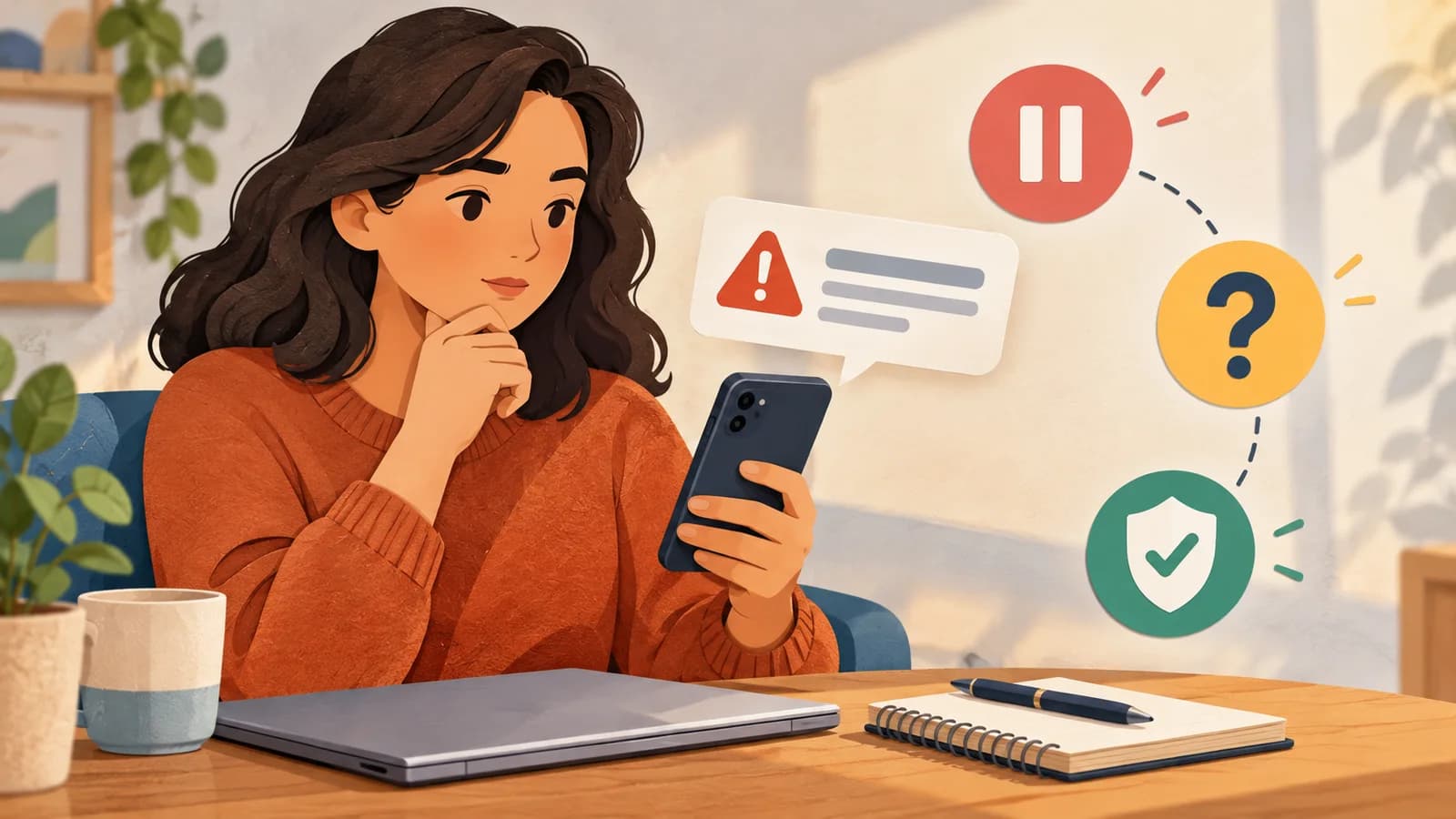
An unexpected message, online offer or call can be convincing and still be fraudulent. Pause before sending money, entering a password, sharing a one-time code or installing software. Check the request through a contact route you already trust. A logo, familiar caller ID or polished wording is not proof of identity. No checklist catches every scam, but independent verification can reduce the risk of acting under pressure.
Common warning signs
Fraud often uses social engineering: someone tries to steer you into an action while hiding the real purpose. Suspicion should prompt a check, not an automatic accusation. Some legitimate requests are urgent; some scams are calm, personal and carefully written. Consider what is requested, whether the context makes sense and whether you can confirm it independently.
- Pressure to act immediately or keep the matter secret.
- A request for a password, verification/recovery code, or approval you did not initiate.
- An unexpected link, attachment, QR code or request to install remote-access software.
- A remarkably attractive prize, job, discount or guaranteed return that requires money or sensitive data first.
- A sudden change in payment details, a request to pay outside the usual platform, or an instruction not to consult anyone.
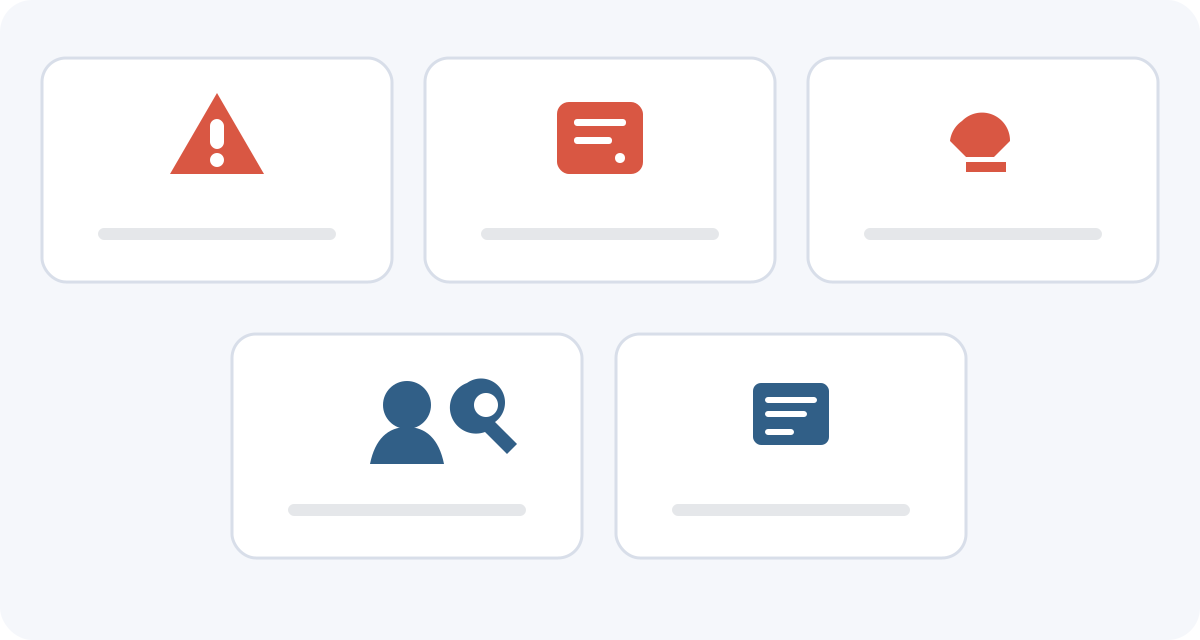
Phishing, smishing and vishing
- Phishing uses a deceptive message or page that impersonates a trusted organization to obtain information, money or account access, or prompt a harmful download. It can arrive by email, social media or messaging; sender names and displayed addresses can be forged. See INCIBE’s phishing guidance.
- Smishing uses SMS or similar messages. A fake delivery fee or account warning may lead to a copied sign-in page and can appear in a familiar thread. Check through the app or website you open yourself.
- Vishing uses calls. Someone may pose as a bank, police, technical support or relative. Caller ID can be spoofed: Spain’s CNMC warned about calls displaying its own number. End an unexpected sensitive call and call back using independently verified details. See the CNMC warning.
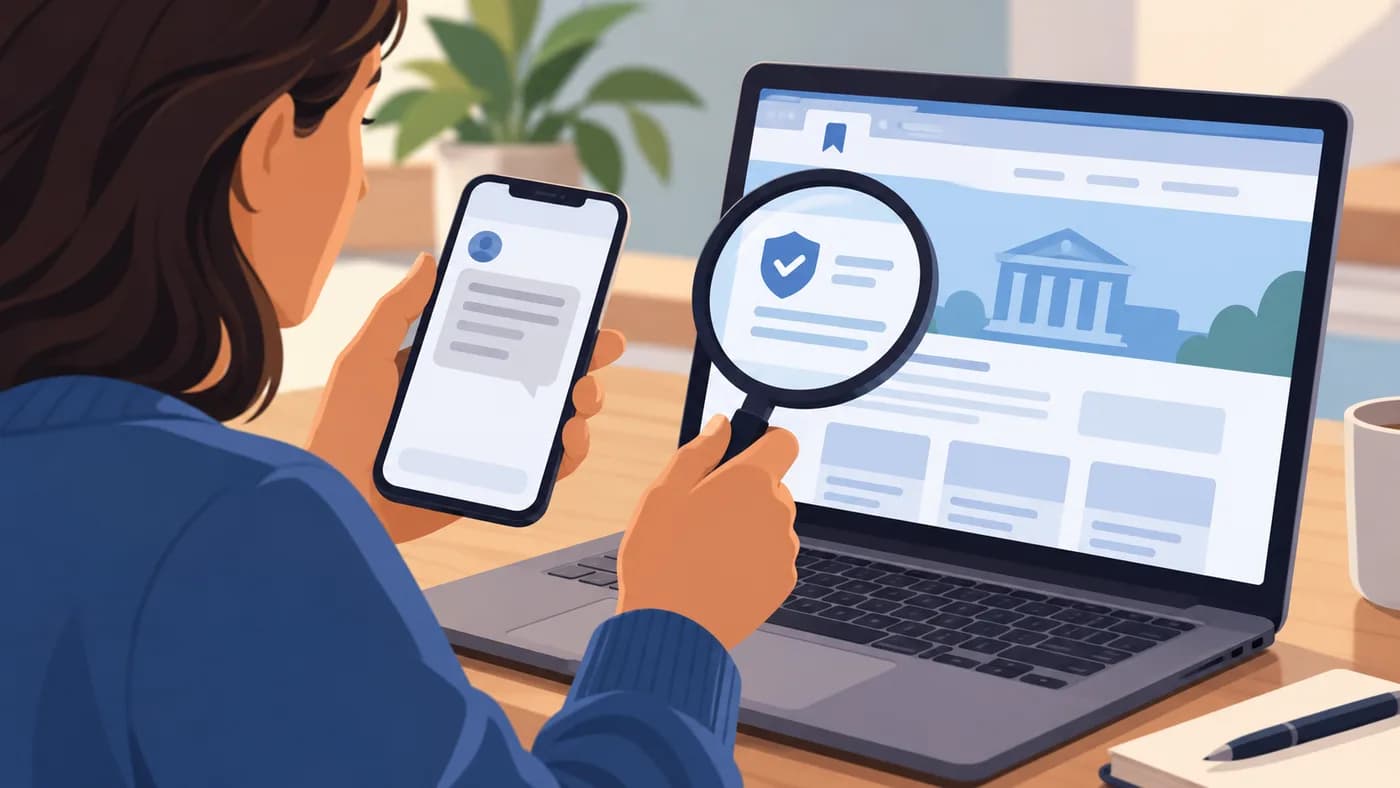
Before buying, check the exact domain, business identity and contact details, sale and return terms, delivery information and payment methods. Search for independent information, but treat reviews as clues because they may be incomplete or manipulated. An unusually low price is a reason to pause, not proof on its own. For private-marketplace deals, use the documented platform process where possible; protections vary. HTTPS and a padlock indicate an encrypted connection under browser checks, but do not prove the seller is genuine. A QR code only encodes a destination: preview it and do not enter details if you cannot verify where it leads. See Google Chrome Help.
- Check whether company details, contact methods, purchase terms, delivery and returns are consistent.
- Do not treat a high search result, familiar logo, SMS thread or padlock as proof.
- An unexpected delivery fee or account warning should be checked inside the official app or website that you open yourself.
Other common online frauds
- Marketplace deals: watch for requests to pay or chat outside the platform, advance fees, fake payment screenshots or links supposedly needed to receive money. Check the transaction in your own account, not from an image or message.
- Job offers: check the employer and vacancy through company contacts you find independently. Requests to pay for a job, receive and forward money, or buy equipment from a named seller deserve scrutiny. Hiring processes vary, so one feature alone does not prove fraud.
- Investments: guaranteed high returns, pressure to recruit, extra deposits demanded before a withdrawal, or unexpected contact from an “advisor” call for caution. Check a provider using the relevant regulator’s official register; a copied licence or website is not proof.
- Romance and social profiles: a contact may build trust before inventing an emergency or investment opportunity. Appearance, video calls and personal stories do not prove identity. Verify independently and do not send money under emotional pressure. Being manipulated is not the victim’s fault.
Fictional examples: how to check
- Delivery text (fictional): a message says a fee is due and must be paid immediately. The urgency and unexpected link are reasons to verify. Open the courier’s official app or website yourself; do not enter details through the message.
- Bank call (fictional): a caller reports a suspicious payment and asks for a code. Caller ID can be spoofed, and a bank should not ask you to disclose a one-time code. Hang up and call the number published in the official app or on your card.
- Unfamiliar shop offer (fictional): an unknown store lists an expensive item at an implausibly low price and asks for payment outside a platform. Check the business, terms and contact details independently; do not pay if you cannot verify them.
- Urgent message from a relative (fictional): someone claiming to be a relative asks for money from a new number. A familiar voice or writing style is not proof. Call the number already saved or check with another trusted relative before transferring.
AI impersonation and QR codes
Generative tools can help create persuasive messages, images or cloned voices. A familiar voice or video is not proof of identity. If someone you know urgently asks for money, call a number you already have or check with another trusted contact. For a fuller guide to manipulated media and the limits of detection, see how to spot AI deepfakes. A QR code is not a trust signal: preview its destination before entering information. Automated detectors are not infallible. The U.S. FTC has described family-emergency scams using cloned voices; this example does not establish how common they are. FTC guidance.
A five-step way to verify a suspicious request
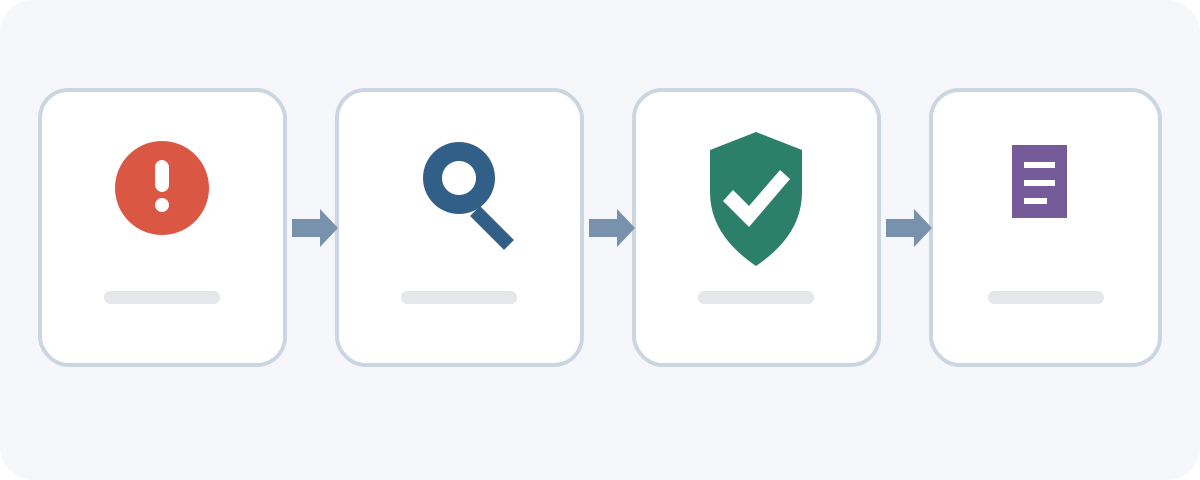
- Pause. Do not reply, click, pay or approve while you feel rushed.
- Identify the request. Is it asking for money, credentials, a code, remote access, software or approval?
- Verify elsewhere. Open the official app/site yourself or call a number from a trusted source you already know. For a relative, use a saved number or another known contact.
- Check the context. Compare the exact domain, expected transaction and payment details; look for confirmation from a separate source.
- Decide safely. If a sensitive request cannot be verified, do not proceed. Ask for time or help through an official channel.
Protect your accounts and payment details
- Use a unique password for each important account; a password manager can help. Turn on multifactor authentication where available, remembering it does not remove every risk.
- Never share one-time or recovery codes with an unexpected contact, and do not approve a sign-in or payment you did not initiate.
- Keep devices and apps updated. Install software from official stores or the developer’s known site, not a link in a pressured message.
- Review account activity and transaction alerts. Contact the service promptly through an official channel if you see an operation you do not recognize.
If you have sent money
Contact your bank, card issuer or payment service immediately through its official app or published number. Explain what happened, when, how you paid and whether you authorized the payment; ask what blocking, recall, dispute or account-protection steps may be available. A payment you did not authorize differs from a transfer you approved after being deceived, and options differ. A transfer may be difficult or impossible to reverse after it reaches the recipient. Prompt contact matters, but recovery is not guaranteed. See the Banco de España guidance. In Spain, the legal treatment depends in part on whether the payment was actually authorized; a payment approved after deception is not automatically handled like an unauthorized transaction. Rights and remedies depend on the facts and applicable rules. Other countries may differ.
- Save receipts, transfer details, messages, phone numbers, emails and web addresses. Do not reopen unsafe links or publish sensitive evidence.
- Ask the bank to record the incident and explain its complaint process. Keep case numbers and written replies. In Spain, if the issue remains unresolved, follow the current Banco de España complaint procedure.
- Say clearly if you did not authorize the operation. If you approved a transfer after deception, still contact the bank immediately but do not assume it can be reversed.
- In Spain, INCIBE’s 017 offers free, confidential cybersecurity guidance. A formal complaint may be made through current Policía Nacional or Guardia Civil channels; reporting to INCIBE is not a police complaint.
If you shared credentials or personal data
- Change the disclosed password through the genuine service, not the message link. If reused elsewhere, change it there too, especially for email and financial accounts.
- Review recent sign-ins, recovery details and active sessions; end unknown sessions if the service allows.
- If you shared a one-time code or approved an operation, contact the bank or service immediately; a password change alone may not undo it.
- If identity documents were exposed, contact the affected service, keep watch for new accounts or requests and follow local authority guidance. In Spain, AEPD information concerns personal-data protection, not transfer recovery.
- If you disclosed card details, contact the card issuer promptly through an official channel, ask what protective steps are available and review recent activity; replacing or blocking a card may not address other exposed data.
- Report an impersonating profile to the platform and warn contacts through a known channel if someone may be asking them for money in your name.
If you installed software or granted remote access
Installation or remote access is different from merely opening a link. Stop interacting with the caller or program. If someone still controls the device, disconnect it from the network if safe, then use another trusted device to contact your bank and secure important accounts. Do not follow more instructions from the caller or delete evidence indiscriminately. Ask a reputable technician or official help service how to examine the device. Clicking a link, downloading a file and running installed software are different exposure events.
Avoid a second scam
After a fraud, someone may promise to recover the money for an advance fee or additional account details. Be wary of guaranteed recovery claims. Do not pay an unknown person who says they are an official, lawyer, investigator or recovery specialist without independently verifying them. The FTC warns that recovery scams target people who have already lost money. Keep the evidence and contact your bank or official support service instead. The FTC describes this pattern. The U.S. FTC also warns that recovery scammers impersonate agencies or lawyers and may demand an advance fee or financial information. FTC alert.
Where to get help and report fraud
- Spain — [INCIBE 017](https://www.incibe.es/linea-de-ayuda-en-ciberseguridad): free, confidential cybersecurity guidance. It is a Spanish service, not an international emergency number. INCIBE also has a fraud-report page.
- For a formal complaint in Spain, contact Policía Nacional or Guardia Civil and follow current instructions; online routes have their own eligibility and confirmation rules. Reporting to INCIBE is not itself a police complaint. See current Policía Nacional complaint guidance and Guardia Civil guidance.
- If a profile or personal data was misused, report it to the platform. In Spain, AEPD guidance covers identity impersonation and privacy; it is not a bank-recovery service. In other countries, use local official channels.
Before you click, pay or share information
- What exactly is being requested, and why now?
- Can I verify through an app, number or contact I already know?
- Is it asking for a password, code, payment or remote access?
- Did I check the exact domain, seller and terms—not only the logo or padlock?
- Can I wait and ask someone I trust without using the message’s contact details?
- If something happened, have I contacted the bank/service and preserved evidence?
Frequently asked questions
- How can I tell whether a website is a scam? Check its exact domain, seller identity, terms and payment route, then seek independent information. No single sign, including HTTPS, proves legitimacy.
- How do I recognize a phishing email? Be cautious with unexpected requests to sign in, pay, share a code or download a file. Check independently; sender names and polished writing can mislead.
- Can a call showing my bank’s number be fake? Yes. Caller ID can be manipulated. End the call and use the number from your official app, card or trusted bank material.
- Is HTTPS enough to trust a store? No. It protects the connection according to certificate checks, not the seller’s honesty or identity.
- What if I clicked a suspicious link? Close it and enter nothing. A click alone does not show whether data or software was exposed; check what happened and respond accordingly.
- What if I shared my password? Change it on the genuine service, change reused passwords elsewhere, review sessions and contact the provider if you shared a code or approved something.
- What if I sent money to a scammer? Contact your bank or payment provider immediately and ask what options are available. Recovery depends on the circumstances and is not guaranteed.
- Where can I report online fraud? In Spain, INCIBE provides 017 guidance and a reporting channel; a formal complaint goes through police channels. Elsewhere, consult local official services.
- What is smishing? It is phishing through SMS or similar text messages, often using an unexpected link or request to provide data or pay.
- Can AI imitate a familiar voice? Voice synthesis can be used in impersonation attempts. Verify urgent requests through a known number or another trusted contact; voice alone is not proof.
- Can I trust a video call or profile? It may help but does not guarantee identity. For a sensitive request, confirm through a separately known channel.
- Does reporting to INCIBE file a police complaint? No. INCIBE can provide guidance or receive a report; follow police procedures separately for a formal complaint.
- What if I installed a suspicious app? Stop interacting, secure accounts from another trusted device and seek reliable technical help. If remote control is active, disconnect the affected device if safe.
- What if I shared card details? Contact the issuer promptly using its official number or app, ask what to do and check transactions. Do not assume blocking the card resolves every exposure.
A simple rule to remember
When a message, call or offer asks you to take a sensitive action, stop, verify independently and protect accounts or payment details before responding. If you have already paid or shared information, contact the relevant bank or service promptly, preserve evidence and use official help. These steps reduce risk; they cannot prevent every scam or guarantee recovery.
Related guides

Technology
The 5 best web browsers of 2026: privacy, security and features compared
Compare Chrome, Firefox, Edge, Brave and Safari by privacy controls, security features, compatibility and everyday use.
11 min read

Technology
How to back up Android: Google, photos and files step by step
Learn how to back up Android with Google, save photos and files, transfer data and check what can be restored.
11 min read
Technology
How to back up an iPhone: iCloud, Mac and Windows step by step
Learn to save and restore iPhone data with iCloud, Finder on Mac or Apple Devices on Windows, and check that the backup finished.
12 min read